

GXDE 25.4 Update Log (2026.05.03)
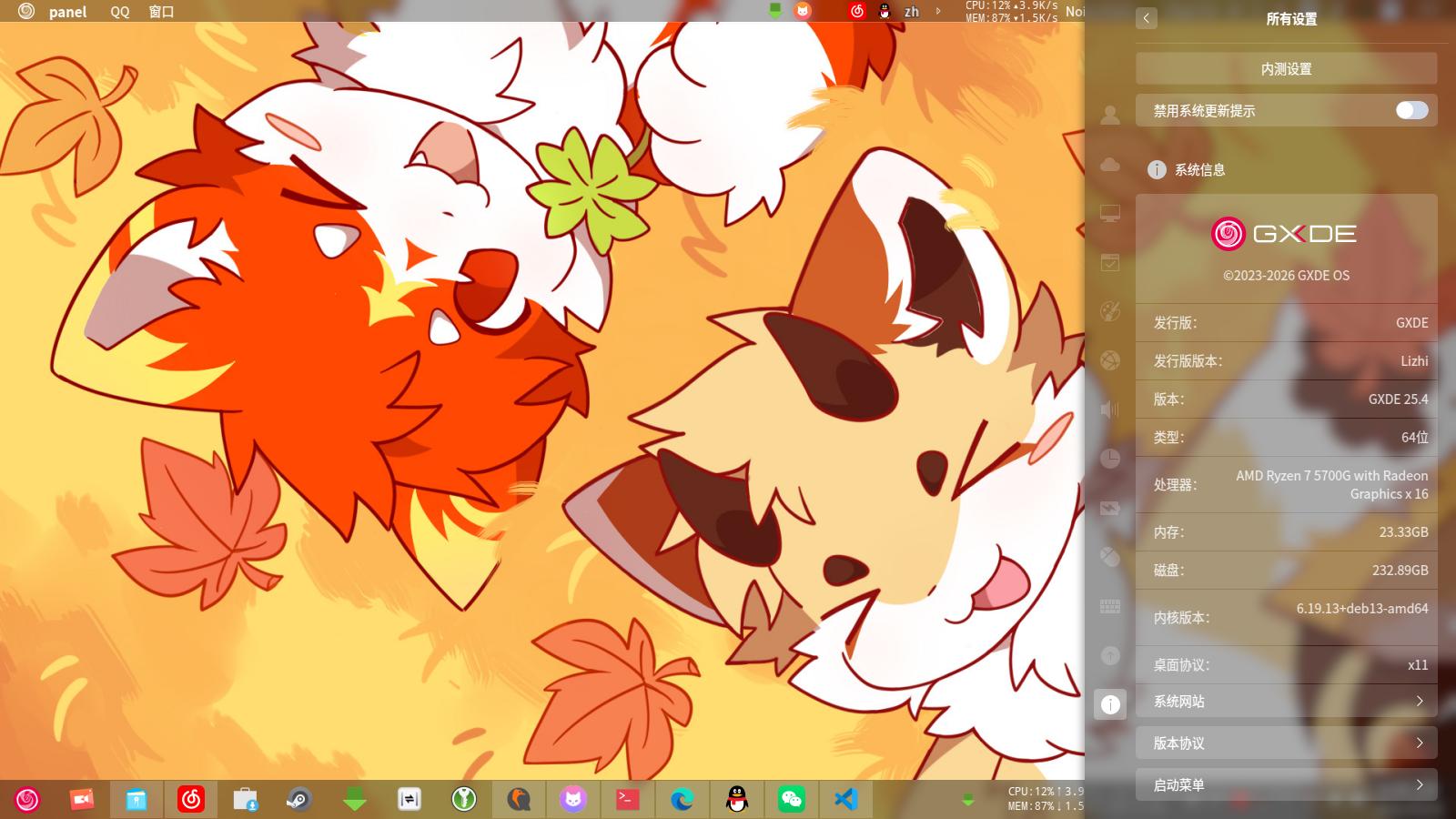
After months of continuous refinement, GXDE 25.4 is officially released.
More Stable Kernel Baseline
Starting from 25.4, we use LTS kernels across all architectures, with a combination of 6.18 and 6.6 kernels. We no longer follow Debian Backport kernel updates, avoiding situations like dkms breaking or virtual machine/Android emulator graphics drivers breaking after kernel updates.
For Phytium CPU users, using GXDE is now simpler, with no need to manually switch to the Phytium-specific 6.6 kernel. Both the default 6.18 and 6.6 kernels include built-in Phytium drivers.
All kernels have also patched the CVE-2026-31431 vulnerability and integrated the NTFS PLUS driver (needs to be enabled manually).
If you have new hardware or want to experience the latest kernel features and still need a newer kernel, run the command sudo apt install linux-image-amd64 linux-headers-amd64 to install the Debian Backport rolling kernel. Users who upgraded from 25.3.1 X86 will continue using the Debian Backport rolling kernel.
ARM users are not recommended to use the Debian Backport rolling kernel, as issues may occur.
Major Driver Updates
We have followed some newer driver versions from Debian Sid, such as the Nvidia driver (sudo apt install nvidia-driver) and Broadcom driver (sudo apt install broadcom-sta-dkms).
Note: It is recommended to use with the 6.18/6.6 kernels mentioned above. Using the default Debian Backport kernel may cause drivers to stop working due to kernel API changes.
For users with Qualcomm wireless cards, we have also included the firmware-atheros firmware package in 25.4, fixing the issue where Qualcomm cards could not connect to the network.
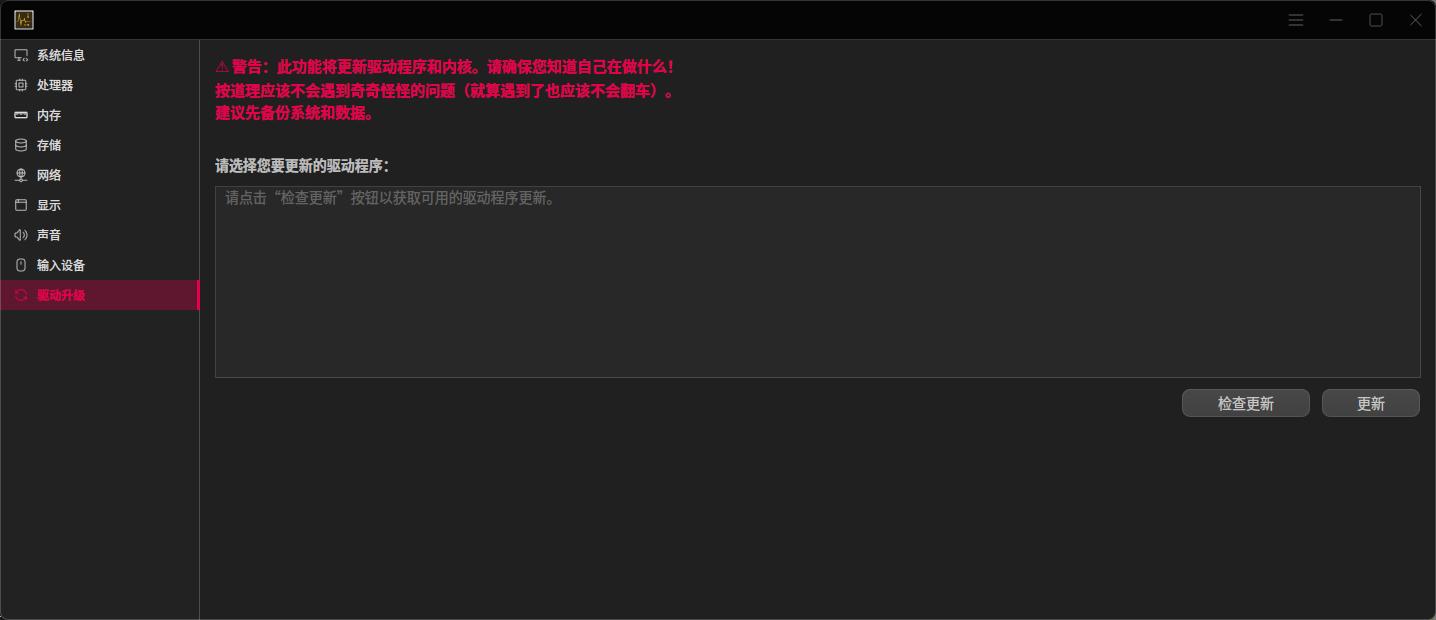
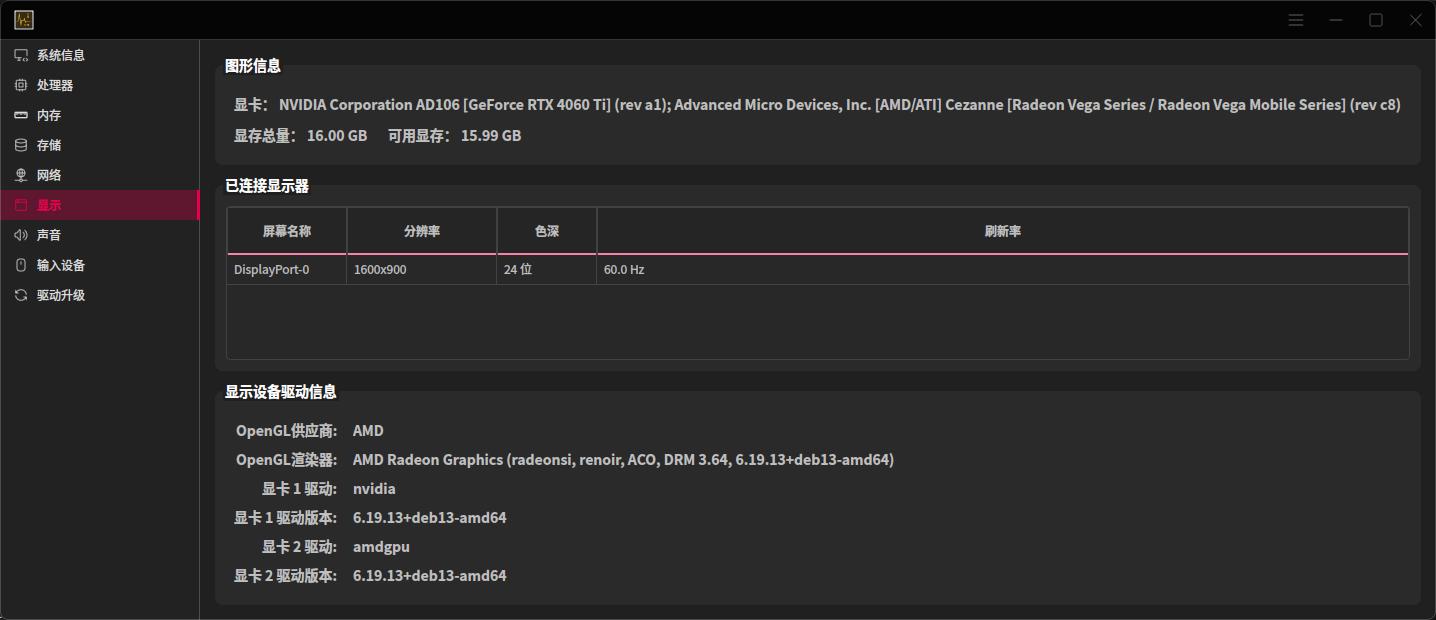
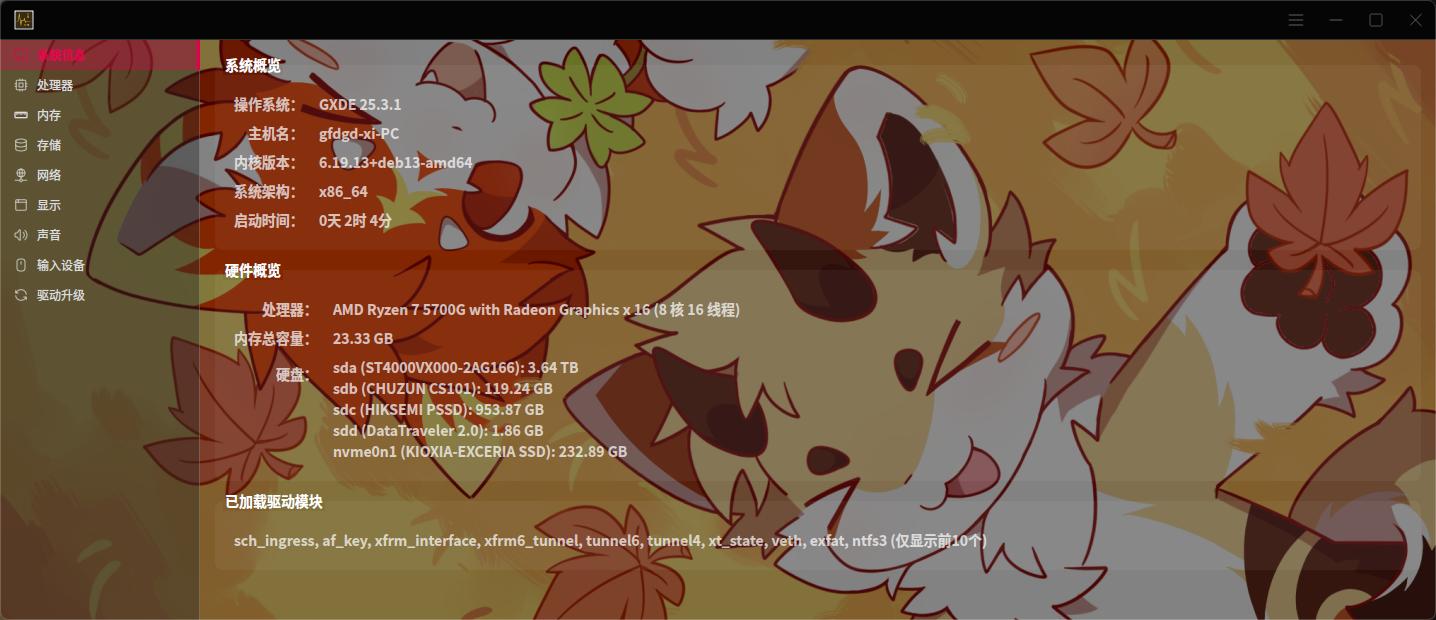
We have also improved the user experience of the Hardware Viewer, which now displays more information.
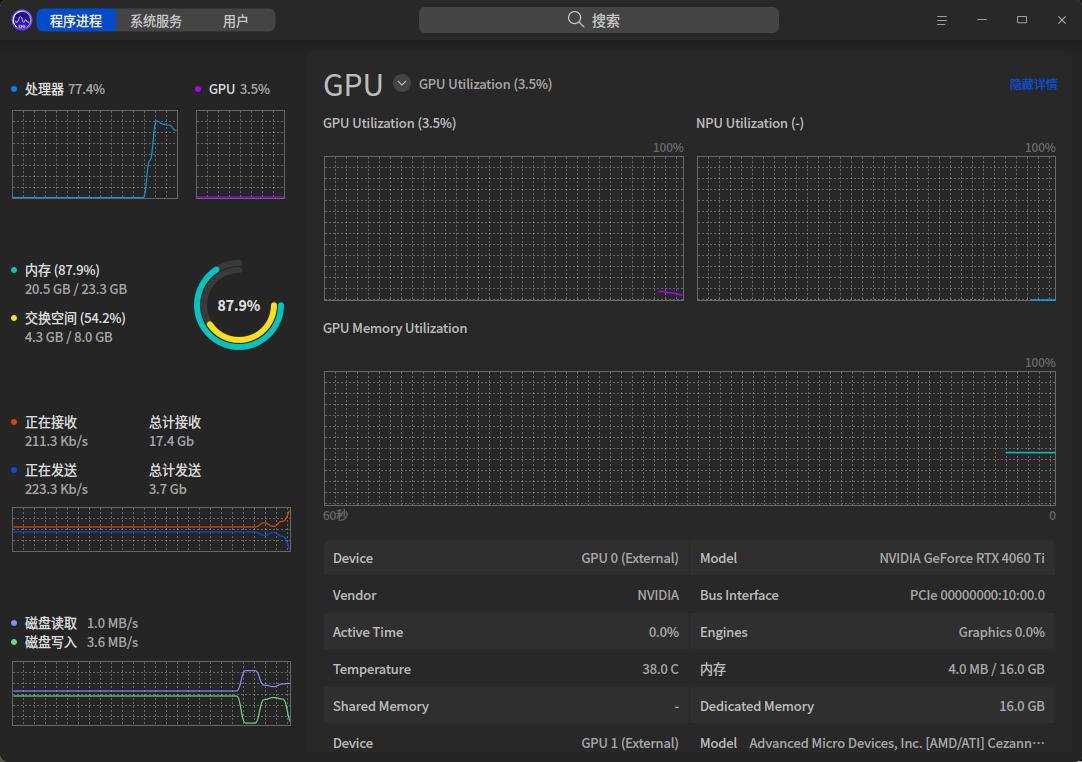
Finally, the system's built-in resource monitor now supports viewing GPU usage, so you can check your graphics card status without third-party apps.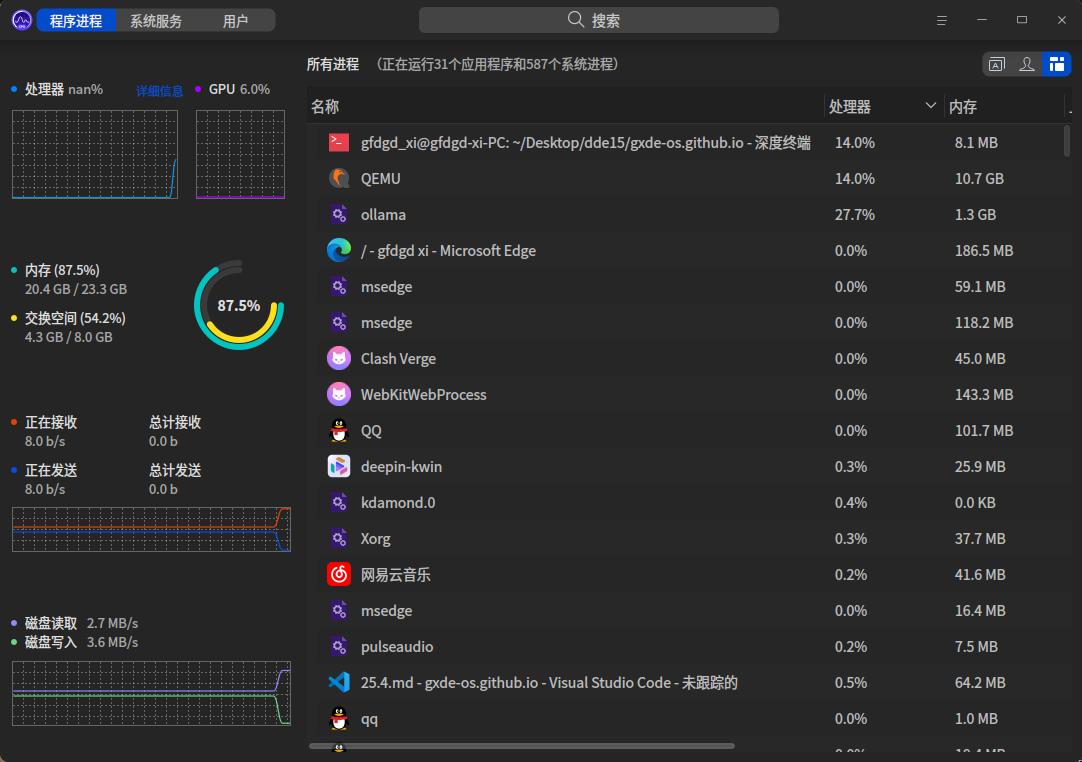
Major Built-in Application Updates
Built-in applications such as Scan Manager, Log Manager, Camera, Spark Store, and Linglong have been updated following upstream, providing a better experience.
We also introduced Kylin Virtual Keyboard to replace the previous onboard, with improved UI and experience.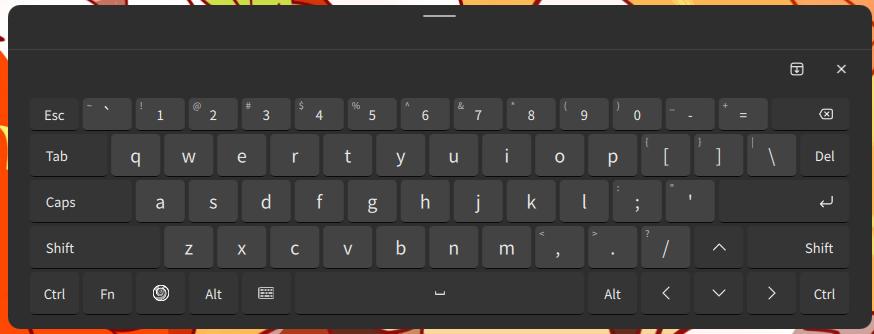
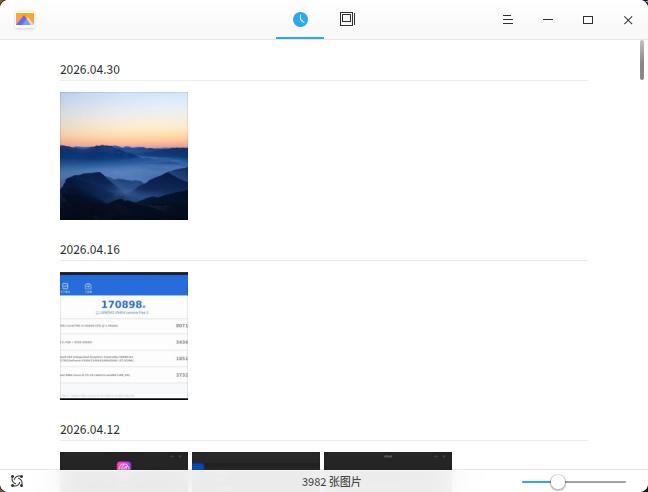
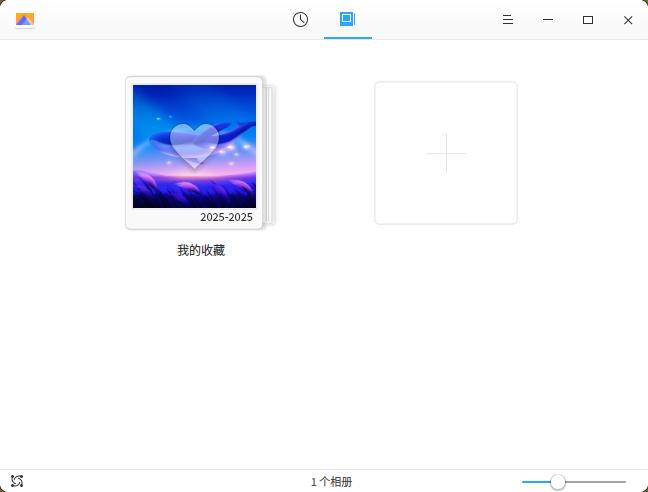
The GXDE Image Viewer has also received a major update, adding an image list and gallery feature to meet more user needs.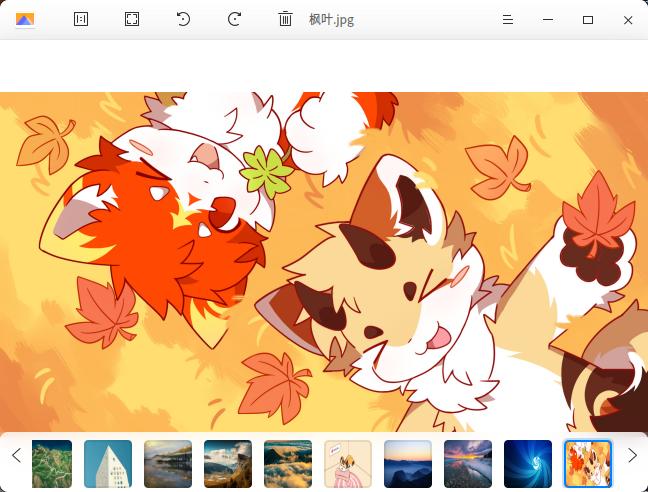
Detailed Update Log
INFO
If after updating you encounter issues such as the Control Center not opening or the desktop not loading, open a system terminal or switch to a tty and enter the following command to repair:
sudo apt install gxde-desktop -y- Update gl4es, box64, Scan Manager, Log Manager versions
- Fix an issue where using the taskbar trash plugin to empty the trash caused the taskbar to crash (Thanks @htmlx5 https://gitee.com/GXDE-OS/GXDE/issues/IDPHCP )
- Fix the issue where setting the resource monitor plugin caused the taskbar to crash
- Disable the "Disable touchpad when a mouse is connected" feature in Control Center
- Add kernel 6.1 to the repository
- Restore i386 build
- Fix slow network speed issues for some Intel wireless cards (https://gitee.com/GXDE-OS/GXDE/issues/IC8LIU )
- Update Broadcom driver in the repository to support kernel 6.18
- GXDE Hardware Viewer adds driver update function
- GXDE Taskbar supports icon ungrouping

- Fix missing icon issue in GXDE Pomodoro Timer
- Modify minimum cmake version requirements for some components
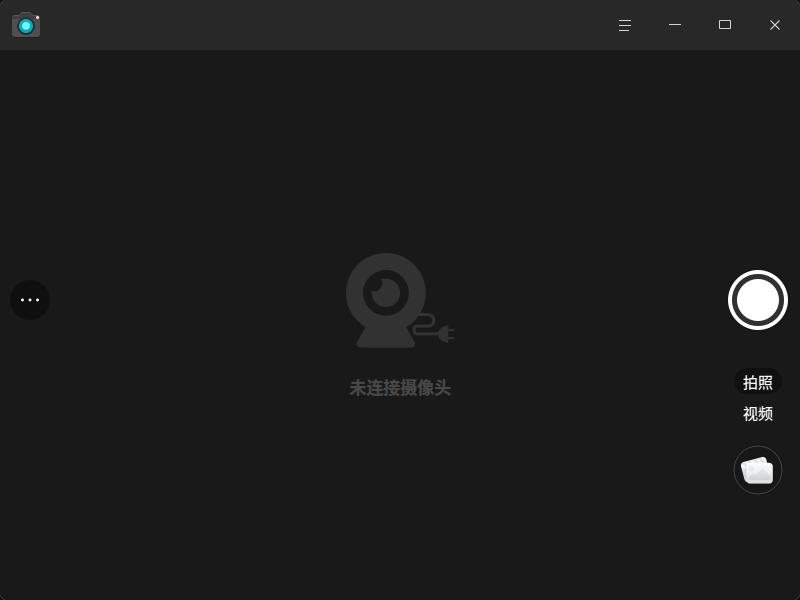
- Add Deepin Camera
- Update deepin scanner and dtk6 versions
- Hardware Viewer supports viewing GPU memory size and multiple monitor information
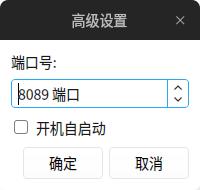
- GXDE LAN sharing supports custom port numbers, upload folder, and auto-start on boot
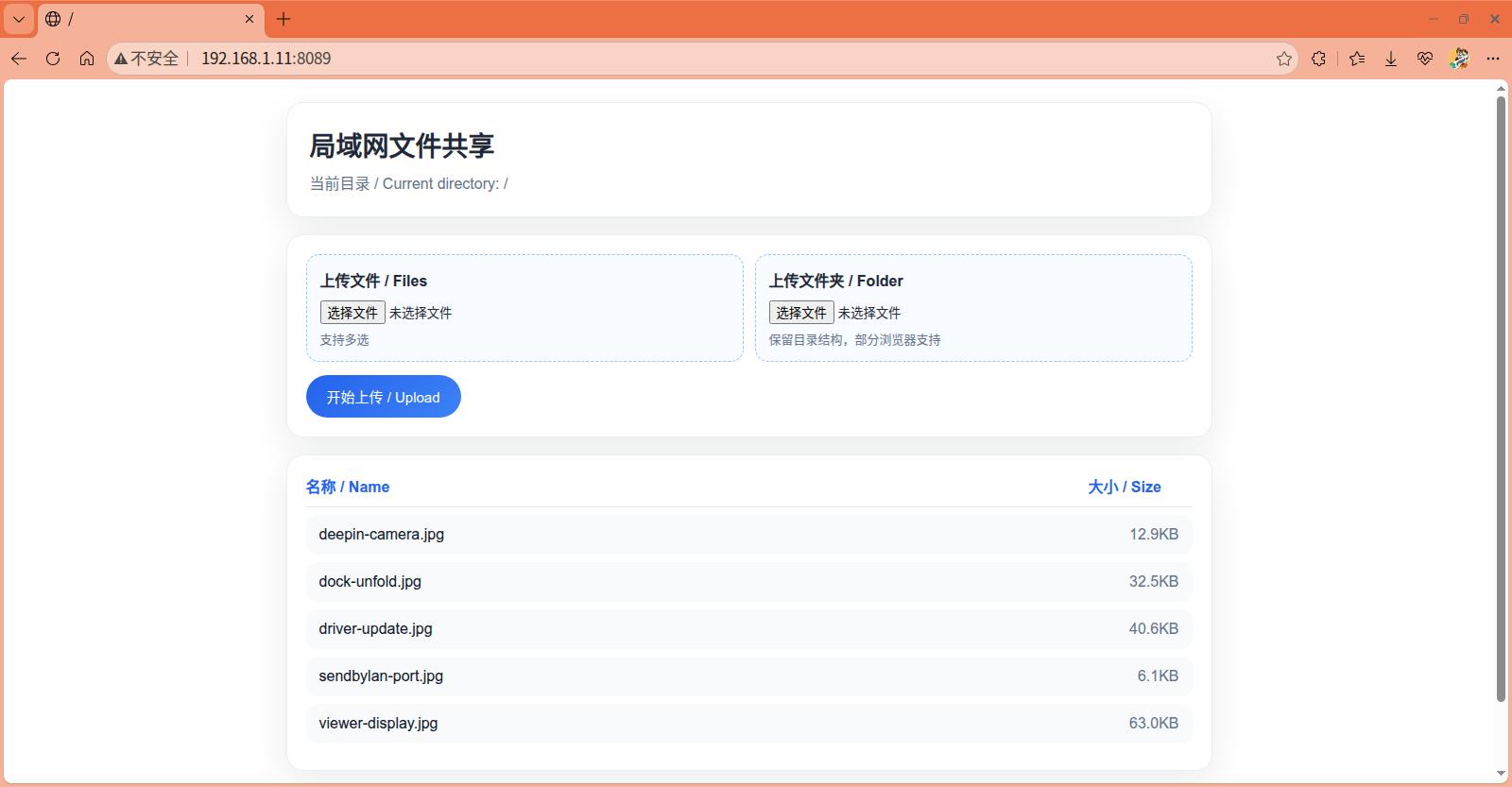
- Optimize GXDE LAN sharing web UI
- Remove gxde-default-settings /etc/binfmt.d/wine.conf, fix conflict with ukylin-wine
- Fix the issue where the Pomodoro Timer could not customize time https://gitee.com/GXDE-OS/GXDE/issues/IDPQPD
- Fix the issue where Deepin Screenshot could not open folders or save to custom locations
- Modify the system information page in Hardware Viewer to display disk + capacity, along with other program UI changes
- Fix the issue where LAN file transfer assistant could not upload files on Python 3.13
- Add wallpapers TheSourceOfGXDE, TheSourceOfGXDEDark, and Maple Leaves
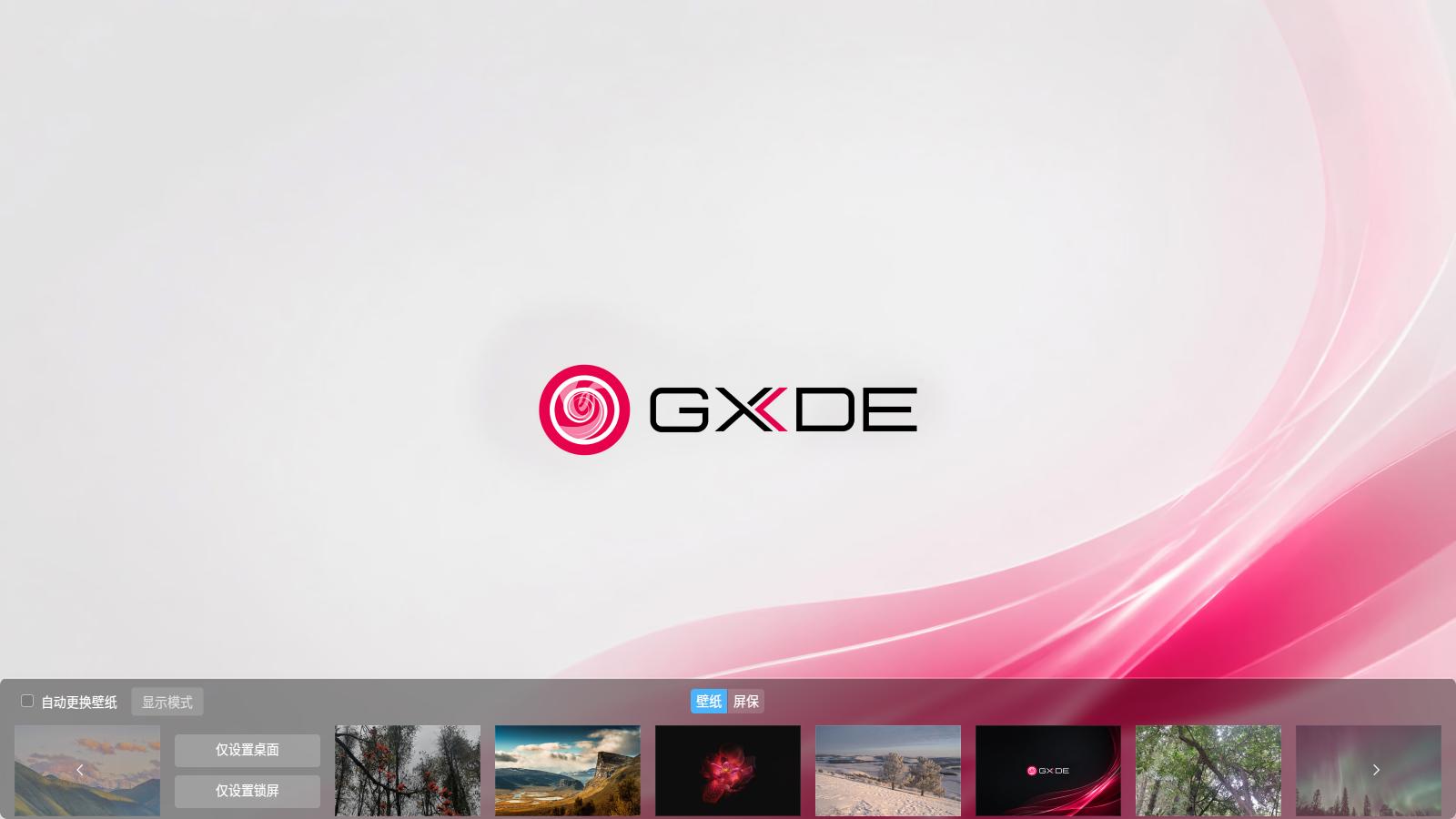
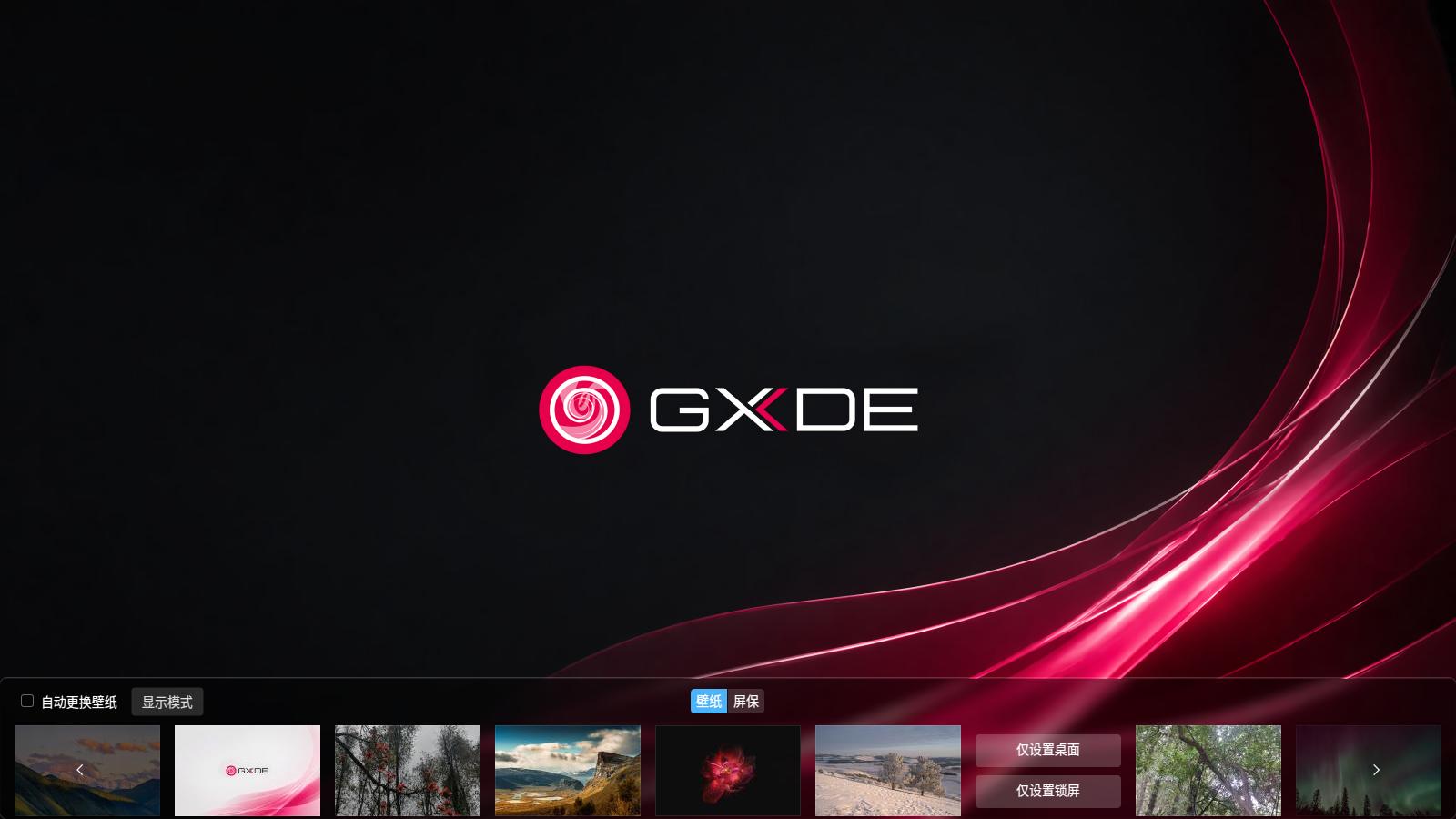
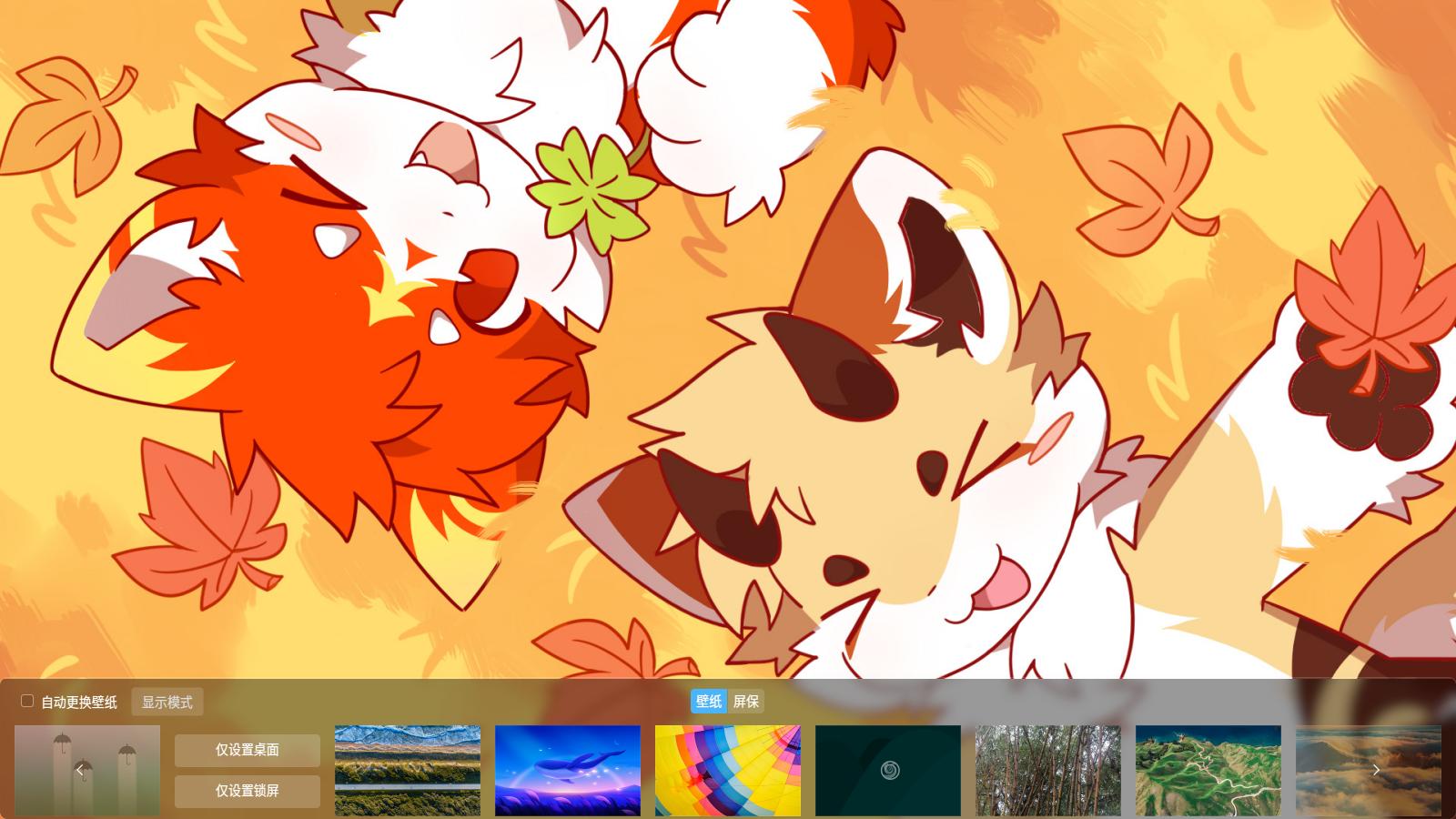
- Remove wallpapers "Song of Tea and Wine" and "Underwater Ancient City"
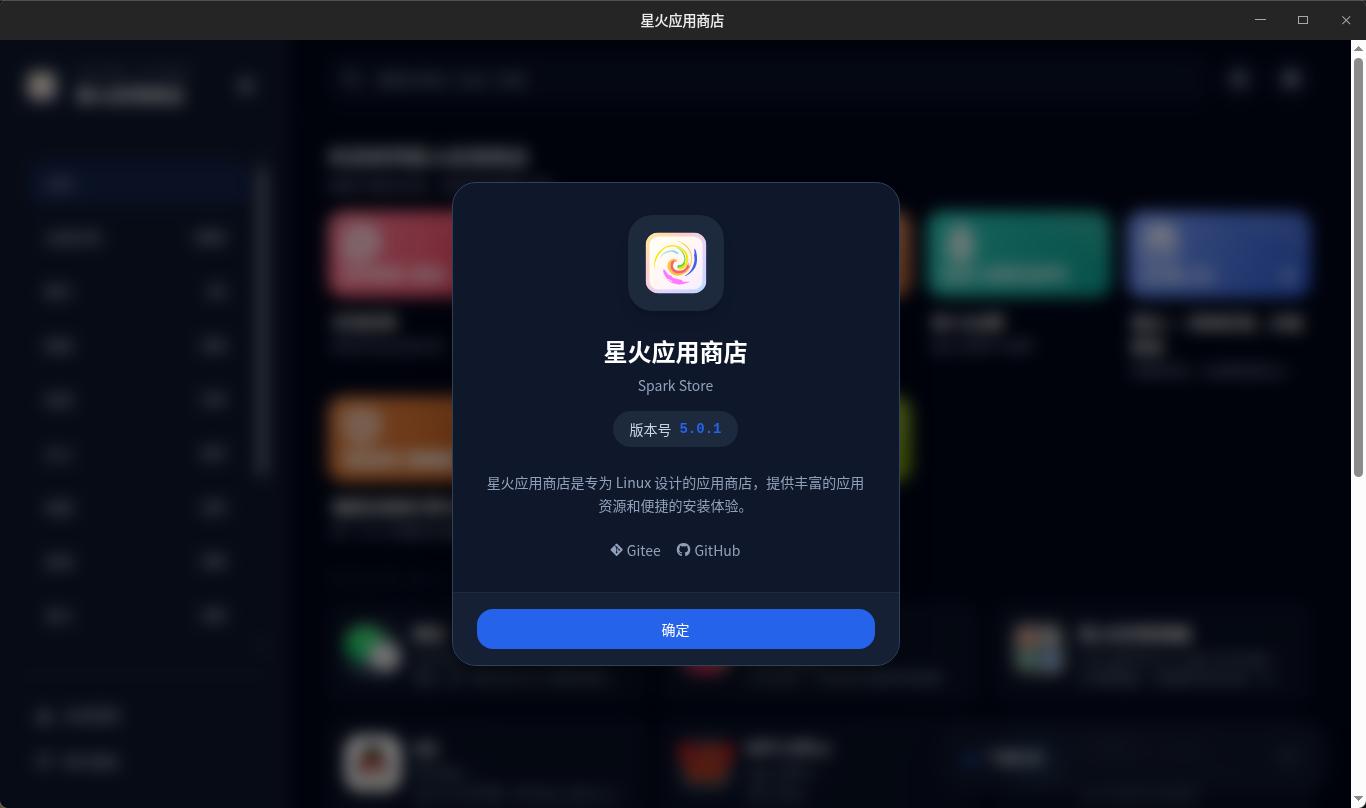
- Update Spark Store to 5.0.1
- Add dependency package udisk2-qt6
- Fix the issue where nvidia-driver dkms compilation failed on kernel 6.19
- Fix incorrect top bar display issue when the launcher is in full-screen mode
- Update calamares to version 3.4.2-1, merge calamares riscv64 support PR
- Update deepin System Monitor to version 6.5.41, add GPU usage viewing function
- GXDE File Manager no longer forces dependency on gxde-requ
- Reduce main thread usage for syntax highlighting of very large files in Text Editor, improving performance
- Fix Text Editor freezing when opening very large files and highlighting lag
- Text Editor adds shebang recognition
- Update UOS AI to version 2.13.505
- Add nvidia-graphics-drivers-legacy-390xx driver, compatible with GXDE 25 + kernel 6.19
- GXDE Hardware Viewer adds custom wallpaper feature
- Optimize GXDE Hardware Viewer UI to match system dtk2 application style
- New: GXDE Hardware Viewer supports dragging the title bar with a finger on touchscreens
- Optimize GPU driver retrieval function in GXDE Hardware Viewer
- Update deepin-systemassistant-knowledge (UOS AI Knowledge Base) to version 0.0.19
- Update deepin-modelhub to version 0.0.34, support using GPU CUDA and system Vulkan for local model acceleration
- Fix abnormal UI display of apps opened from the toolbox in GXDE System Assistant
- Update deepin-ai-daemon to version 1.1.31
- GXDE Taskbar virtual keyboard plugin supports calling Kylin Virtual Keyboard
- GXDE Top Bar virtual keyboard plugin supports calling Kylin Virtual Keyboard
- GXDE Taskbar efficient mode supports directly displaying battery remaining percentage

- GXDE Taskbar power plugin supports viewing battery health
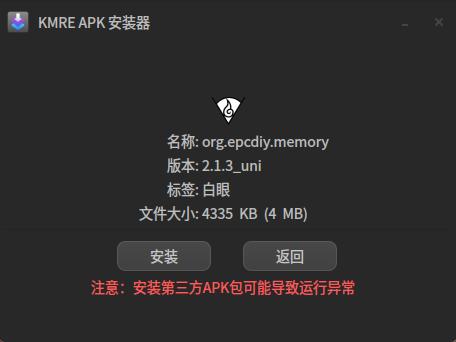
- KMRE APK install tool supports viewing APK icons
- Update Spark Live Wallpaper to version 2.1.0-2
- Fix the issue where clicking the wired network icon on the GXDE Top Bar jumped to the wireless network settings page
- Fix the issue where the song info page in GXDE Music did not show a close button
- Fix the issue where SparkWebAppRuntime could not load local service after setting -G 0
- SparkWebAppRuntime now uses Qt6 build by default
- Update GXDE Downloader AriaNg to version 1.3.13
- GXDE Downloader follows system theme by default
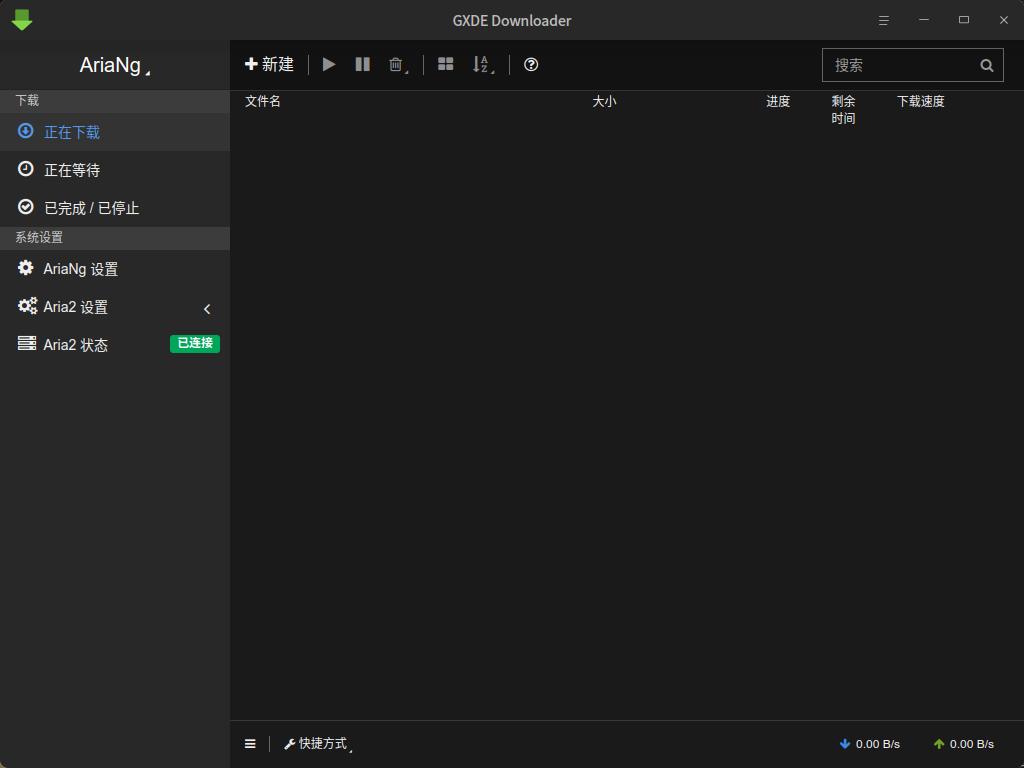
- Fix garbled screen issue of GXDE Downloader on some computers (disable GPU acceleration)
- Remove deepin anything dkms to avoid kernel crashes
- Fix the issue where Deepin Camera could not preview photos and videos
- Replace gxde-dummyapps spk://store with spk://search for Spark Store 5.0 compatibility
- Add ukui-virtual-keyboard-symbolic icon to GXDE Icon
- Update deepin face to version 2.0.11
- Add virtual packages linux-kernel-gxde-loong64-4k-pagesize, linux-kernel-oldstable-gxde-loong64-4k-pagesize to facilitate installing 4k page size kernels
- Add NTFS Plus Driver for kernels 6.6, 6.12, 6.18
- Redirect linux-kernel-phytium-gxde-arm64 to linux-kernel-oldstable-gxde-arm64, no longer maintain Phytium kernel separately
- GXDE ISO Builder uniformly installs linux-kernel-oldstable-gxde-xxx and linux-kernel-gxde-xxx virtual packages across all architectures to reduce maintenance costs
- Fix dual title bar issue when launching System Monitor from the dock
- GXDE Image Viewer adds image list
- GXDE Image Viewer adds gallery feature
- Adjust GXDE Control Center VNC remote password input box style to be consistent with other setting items
- KMRE APK installer uses Qt6+cmake build
- Update Linglong to version 1.12.3
- Update Cross-Device Coordination to version 1.2.4
- Update System Monitor to version 6.5.41
- Update kernel versions to 6.6.135, 6.18.25, fix CVE-2026-31431
- Update i386 architecture kernel versions, unify kernel baseline (6.1.162 => 6.6.135, 6.18.25)